

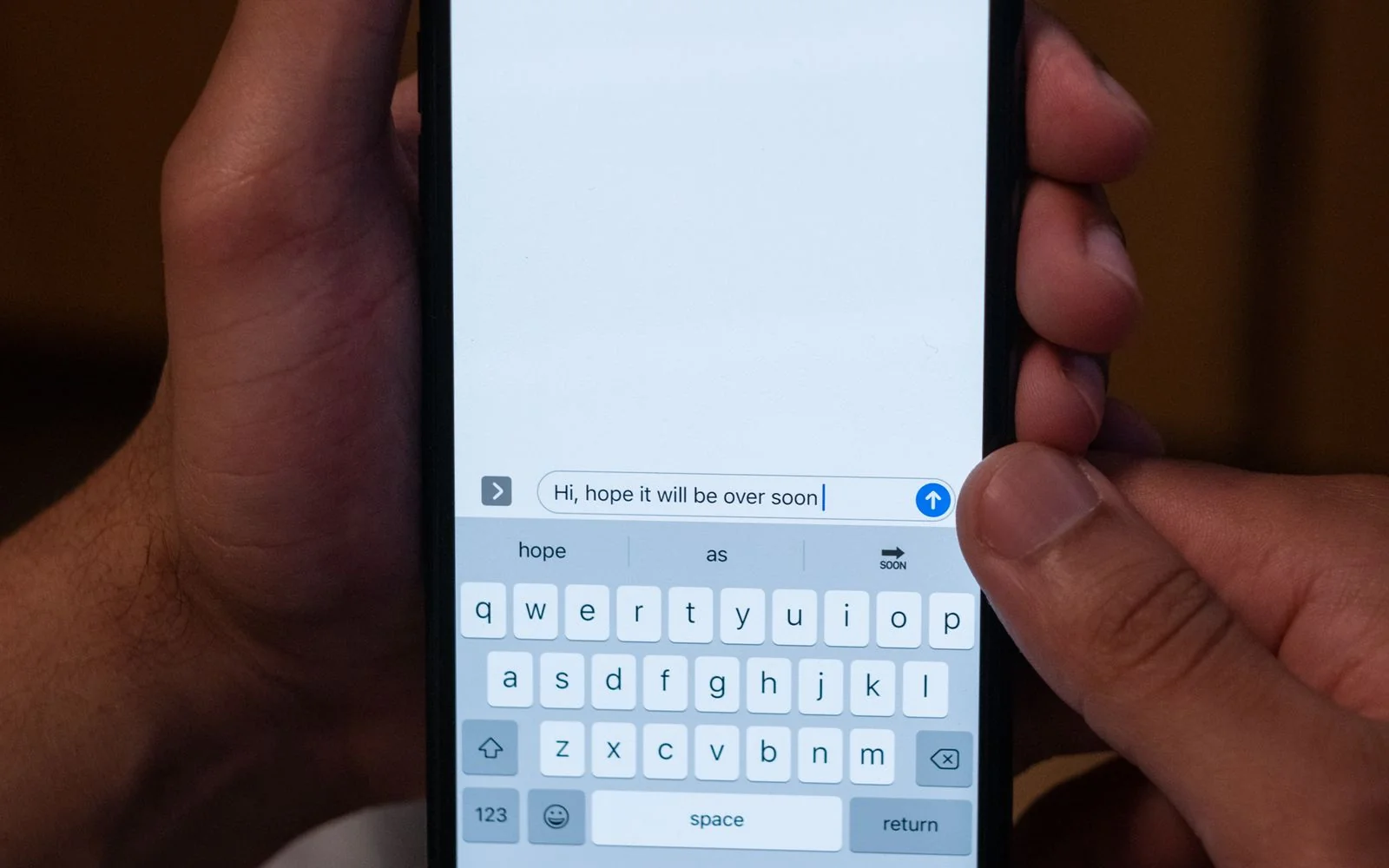
Sebaraya Tech – Two-step verification adds a second secret to your WhatsApp account, so a scammer who tricks you into sharing the SMS code still can’t take it over. Since August 2026, that secret is a full password rather than a short PIN.
A common takeover trick is a message asking you to “send back the code we just texted you.” This guide explains what changed, how to turn on the protection, and how passkeys fit in.
What Two-Step Verification Protects
When you set up WhatsApp on a new phone, it sends a one-time code by SMS. Anyone who gets that code can register your number on their own device.
Two-step verification adds a second lock. According to WhatsApp, it protects against account takeover even if someone obtains your one-time passcode.

Think of the SMS code as the key to the building and your two-step password as the key to your flat. Losing one shouldn’t open both.
What Changed in August 2026
On 25 August 2026, WhatsApp announced that the old six-digit PIN is being replaced with a full password. The new version can be longer and include letters, numbers, and special characters.

WhatsApp specifically urged people to stop relying on easy PINs such as “123456.” The company didn’t publish a rollout schedule, so some phones may still show the PIN version for a while.
How to Turn It On
- Open WhatsApp and go to Settings.
- Tap Account, then Two-step verification.
- Tap Turn on (Enable on some Android versions) and create your PIN or password.
- Add an email address if offered, so you can recover access if you forget it.
These steps come from a security guide published before the August change, and the screens may look slightly different on your version. Look for the Two-step verification option under Account either way.
WhatsApp will ask for your secret when you register your number on a new device, and now and then when you open the app to help you remember it.
Add a Passkey Too
A passkey lets you log back in to WhatsApp with your fingerprint, face, or screen lock, without typing codes. WhatsApp says more than a billion people already use one.
To set one up, go to Settings > Account > Passkeys. You can now add more than one passkey, which helps if you use WhatsApp on both an Android phone and an iPhone.
Keep the Secret Secret
Never share your two-step password or any WhatsApp code, with anyone, for any reason. WhatsApp‘s own security page tells users to keep the secret private to stop account theft.
If someone messages you claiming they sent you a code by mistake, even a contact you know, treat it as a red flag. A real friend has no reason to need it.
Use only the official WhatsApp app. WhatsApp warns that modified or fake versions carry serious privacy and security risks.
If Someone Takes Over Your Account
WhatsApp says to re-register your phone number on your own phone. Your past conversations are stored on your device and can’t be read by someone who takes over the account elsewhere.
If you see a prompt asking you to verify your identity, follow it. WhatsApp shows these alerts when it detects suspicious attempts to take over an account.
Open WhatsApp now and check Settings > Account. If two-step verification still says off, it’s the most useful two minutes you’ll spend on the app this week.

Komentar Ditutup! Anda tidak dapat mengirimkan komentar pada artikel ini.