

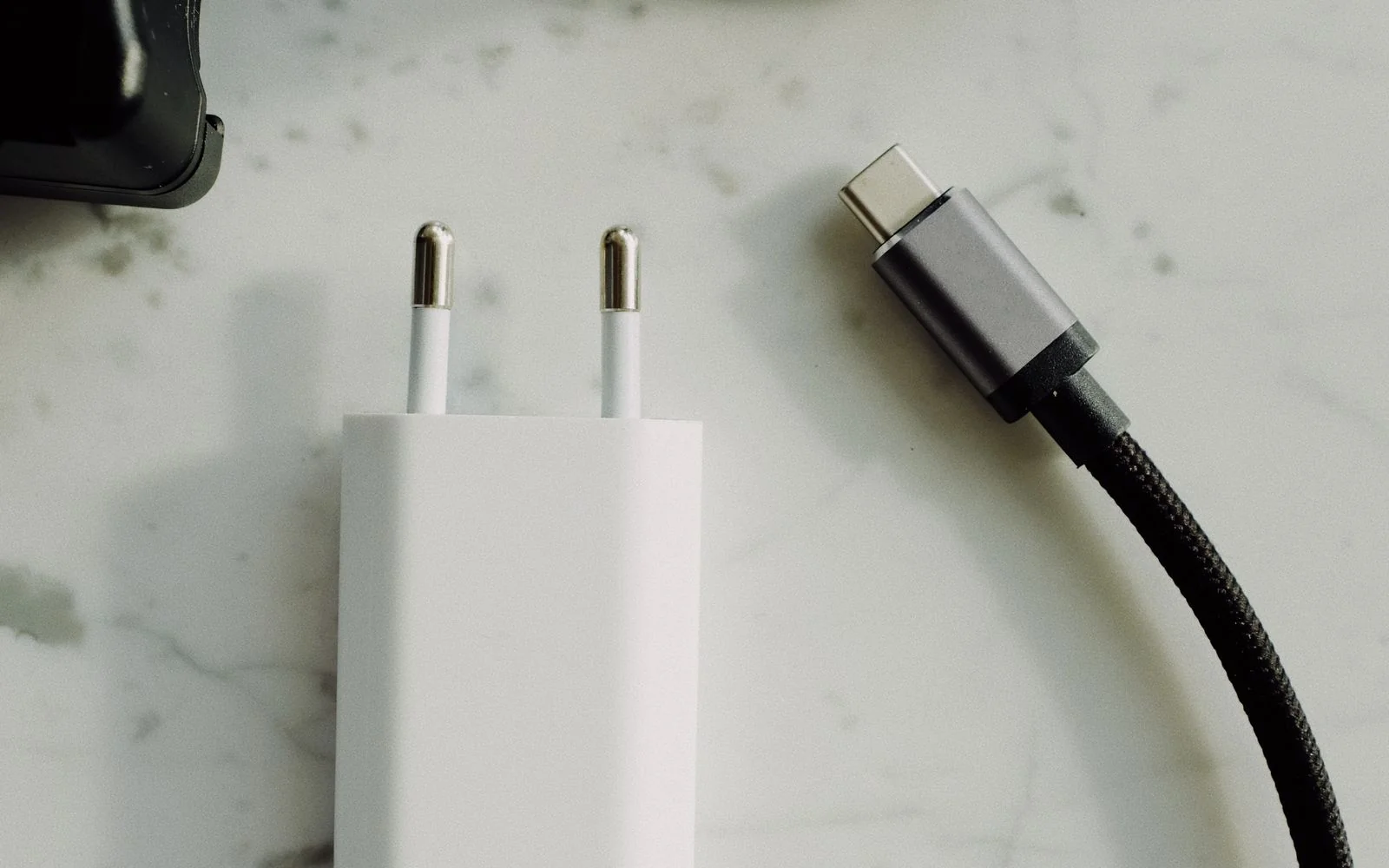
Sebaraya Tech – You plug a new phone into an old charger and it crawls from 20% to 30% in half an hour. The cable fits, so what’s wrong? Usually the charger and phone aren’t speaking the same fast-charging language.
USB-C is only the shape of the plug. The speed depends on a standard called USB Power Delivery (USB PD) and, on some Android phones, a mode called PPS. Here’s what those terms mean and what to buy for iPhone, Samsung Galaxy, and Google Pixel.
The Plug Is Not the Speed
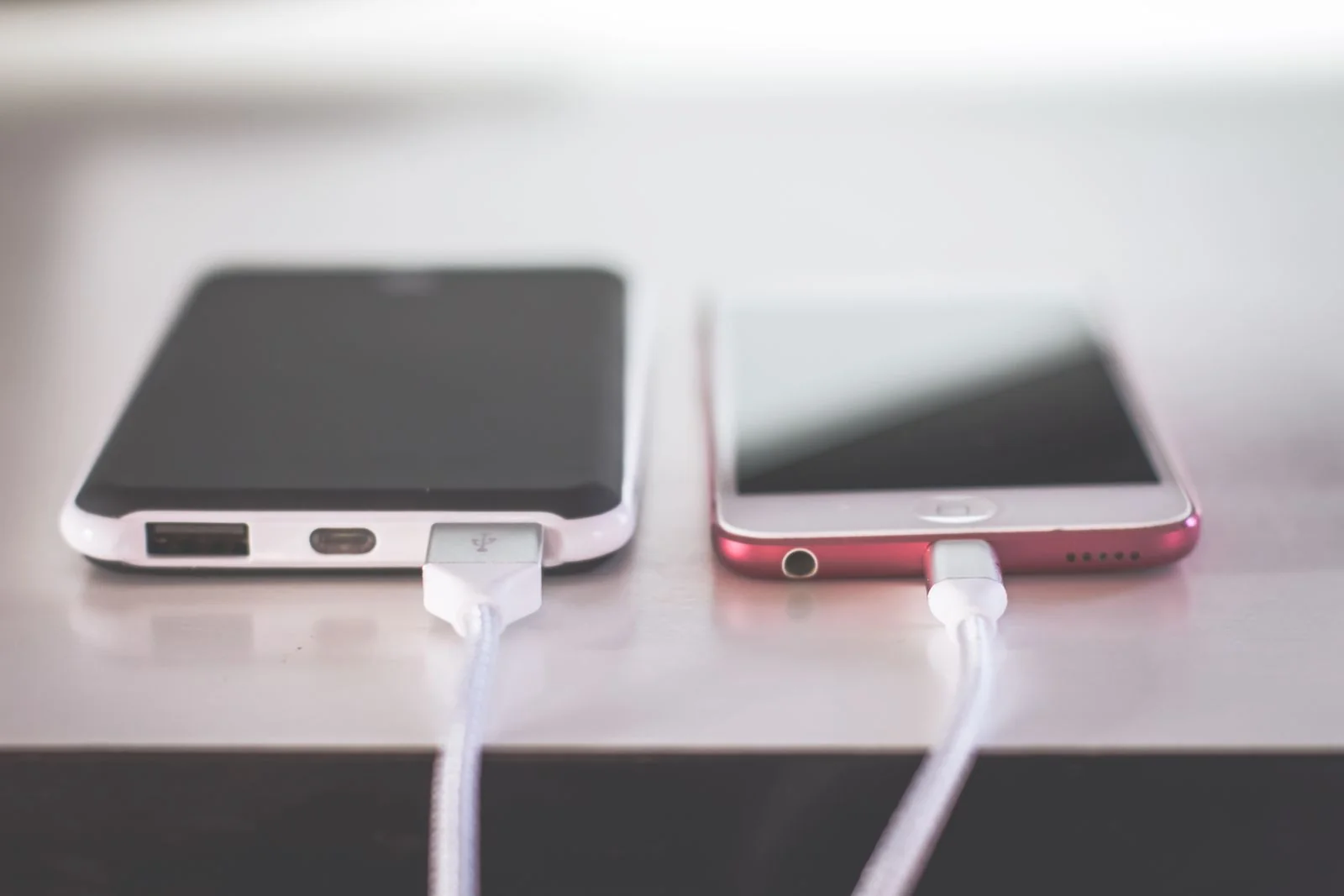
Two USB-C chargers can look identical and charge at very different speeds. The plug only guarantees that the cable fits.
What matters is the standard both sides support. Under USB Power Delivery, the phone requests the voltage it wants and the charger supplies it, as described by USB-IF. If they don’t share a fast method, you get basic, slower charging.
What USB Power Delivery Does
USB Power Delivery is the fast-charging standard maintained by USB-IF, the group behind USB. Older versions topped out at 100 W, using 20 V and cables rated for 5 A.
The current revision, USB PD 3.1, allows up to 240 W over a full-featured USB-C cable, using new fixed levels of 28 V, 36 V, and 48 V. That’s laptop territory; a phone uses only a fraction of it.

The practical point: a phone asks for what it can handle. A 65 W USB PD charger won’t push 65 W into a phone that only accepts 25 W.
What PPS Adds
PPS (Programmable Power Supply) is a mode within USB PD that lets the phone request voltage in small adjustable steps instead of a few fixed levels.
Google’s own 45 W charger shows the difference. In standard USB PD mode it offers fixed outputs such as 9 V at 3 A, while in PPS mode it can adjust up to 11 V, 16 V, or 21 V within a 45 W limit.
For you, the takeaway is simple: a charger that lists PPS can serve phones that ask for those in-between voltages, while one without it can’t.
What Each Phone Needs
| Phone | For fast charging | Time to ~50% (maker’s figure) |
|---|---|---|
| iPhone 18 Pro, 18 Pro Max | 60 W-capable adapter (third-party needs USB-PD 3.2 with AVS) | about 15 minutes |
| iPhone 17, 17 Pro, 17 Pro Max | 40 W or higher adapter | about 20 minutes |
| iPhone 17e, iPhone Air | 20 W or higher adapter | about 30 minutes |
| iPhone 16 and earlier | 18 W or higher USB-C (Apple or USB-PD) | not listed |
| Galaxy S22/S23 (Super fast charging) | 45 W adapter and 45 W, 5 A e-marked cable | not listed |
| Google Pixel | Compatible USB-C adapter, e.g. Google 45 W (USB PD 3.1 PPS) | not listed |
Apple notes its times come from its own tests on drained phones, and fast charging may not work when the phone is too hot or too cold. For Galaxy, Samsung says Super fast charging can’t run on standard chargers. For Pixel, see the Google charger specs.
Super Fast Charging on Galaxy
On Galaxy S22 and S23 models, Samsung lists the switch under Settings > Battery and device care > Battery > More battery settings > Super fast charging. You can’t change it while the phone is charging.
Menu names can differ on newer One UI versions, so search “fast charging” in Settings if the path doesn’t match.
Choosing a Charger and Cable
- Match the maker’s requirement first: USB PD for iPhone, a 45 W Super Fast Charger for Galaxy Super fast charging, and a compatible adapter such as Google’s USB PD 3.1 PPS charger for Pixel.
- Check the cable too. Faster Galaxy charging needs a 5 A e-marked cable, not just any USB-C cable.
- Look for USB-IF certification. Certified products pass compliance testing and appear on the USB-IF Integrators List.
- Use a wall outlet instead of a laptop port; Google notes laptop ports can charge more slowly.
If a phone charges slowly even with the right adapter, try a different cable first. It’s the cheapest part to swap and the easiest to rule out.
Read the small print on your current charger tonight. If it says PD or PPS, you may already own the fast charger you were about to buy.
Komentar Ditutup! Anda tidak dapat mengirimkan komentar pada artikel ini.