

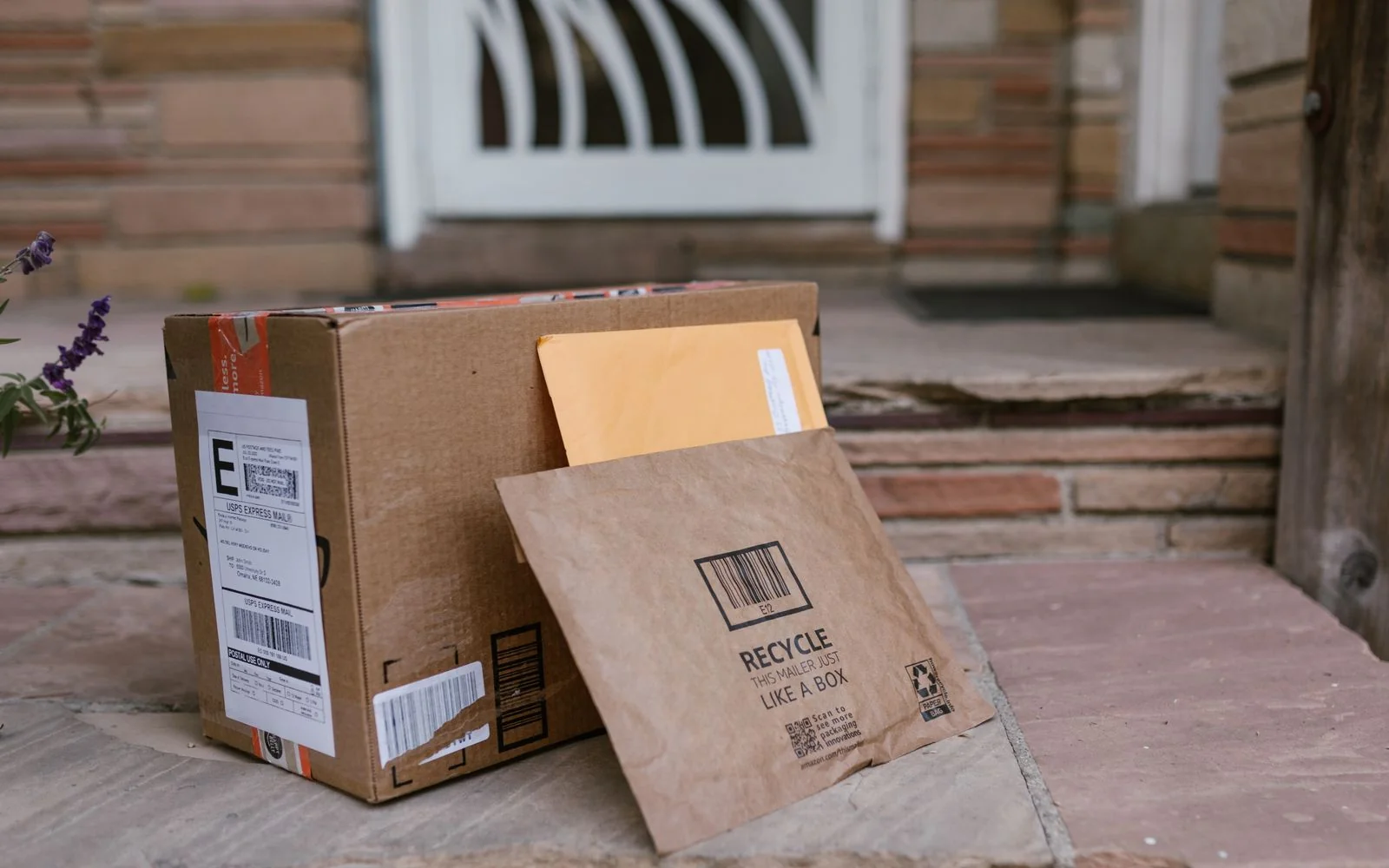
Sebaraya Tech – “Your package could not be delivered. Update your address within 24 hours or it will be returned.” The FTC warns about texts like this every holiday season, and they work because most of us are expecting a parcel at any given moment.
The trick is to never use the link in the message, even when the delivery story sounds plausible. Here’s how these scams work, the signs that give them away, and what to do if you already tapped.

How the Scam Works
Scammers send a text that looks like it comes from a courier or postal service. It claims there’s a problem with your delivery, then offers a quick fix through a link.
That link leads to a fake page built to collect your details. US Postal Inspection Service investigators call this smishing: phishing by text message, aimed at passwords, card numbers, and other personal data.
Once scammers have those details, they can drain accounts, commit identity theft, or try the same password on your email and banking.
Red Flags in Delivery Texts
The FTC lists the patterns to watch for:

- A claim that you missed a delivery
- A message saying your item can’t be delivered until you fix your address or postcode
- A warning that the package will be returned to the sender if you don’t act right away
- A promise that clicking a link will sort it out quickly
The urgency is the tell. A deadline measured in hours is designed to make you tap before you think.
What Real Couriers Do
The US Postal Service is a useful example. It sends tracking texts only when you asked for them using a tracking number, and those texts don’t contain links. Tracking is also free.
So a USPS text with a link, or a tracking message for a parcel you never asked to track, is a red flag on its own.
Other couriers have their own policies, so don’t treat this rule as universal. The safe habit is the same everywhere: check delivery status yourself.
Check Your Delivery the Safe Way
Ignore the link and go to the source:
- Open the website or app of the store where you ordered, and check the order status there.
- Or go to the courier’s official site by typing the address yourself, and enter your tracking number.
- If you need to call, use a phone number from the courier’s real website, not from the text.
For example, say you’re waiting on an online order and get a “failed delivery” text. Open the shop’s app instead; if there’s a real problem, it’ll show there too.
If You Already Tapped the Link
If you entered card details, call your bank right away using the number on the back of your card. The US Postal Inspection Service advises notifying your financial institution even if you didn’t submit anything.
If you typed a password, change it on the real site, and on any other account where you reused it.
If the page asked you to download an app or file, don’t open it. The FTC notes these links can install malware, so remove anything you installed from that page.
Report the Message
In the US, forward the scam text to 7726 to help carriers block the number. For texts pretending to be USPS, the Postal Inspection Service also takes reports at spam@uspis.gov: paste the message text (without clicking the link) and attach a screenshot showing the sender and date.
Other delivery scams can be reported to the FTC at ReportFraud.ftc.gov or to the FBI’s IC3. Outside the US, check your telecom regulator or national cybercrime agency for the right channel.
Then delete the text. Your real parcels will turn up in the store’s app without anyone needing your card number.
Komentar Ditutup! Anda tidak dapat mengirimkan komentar pada artikel ini.