

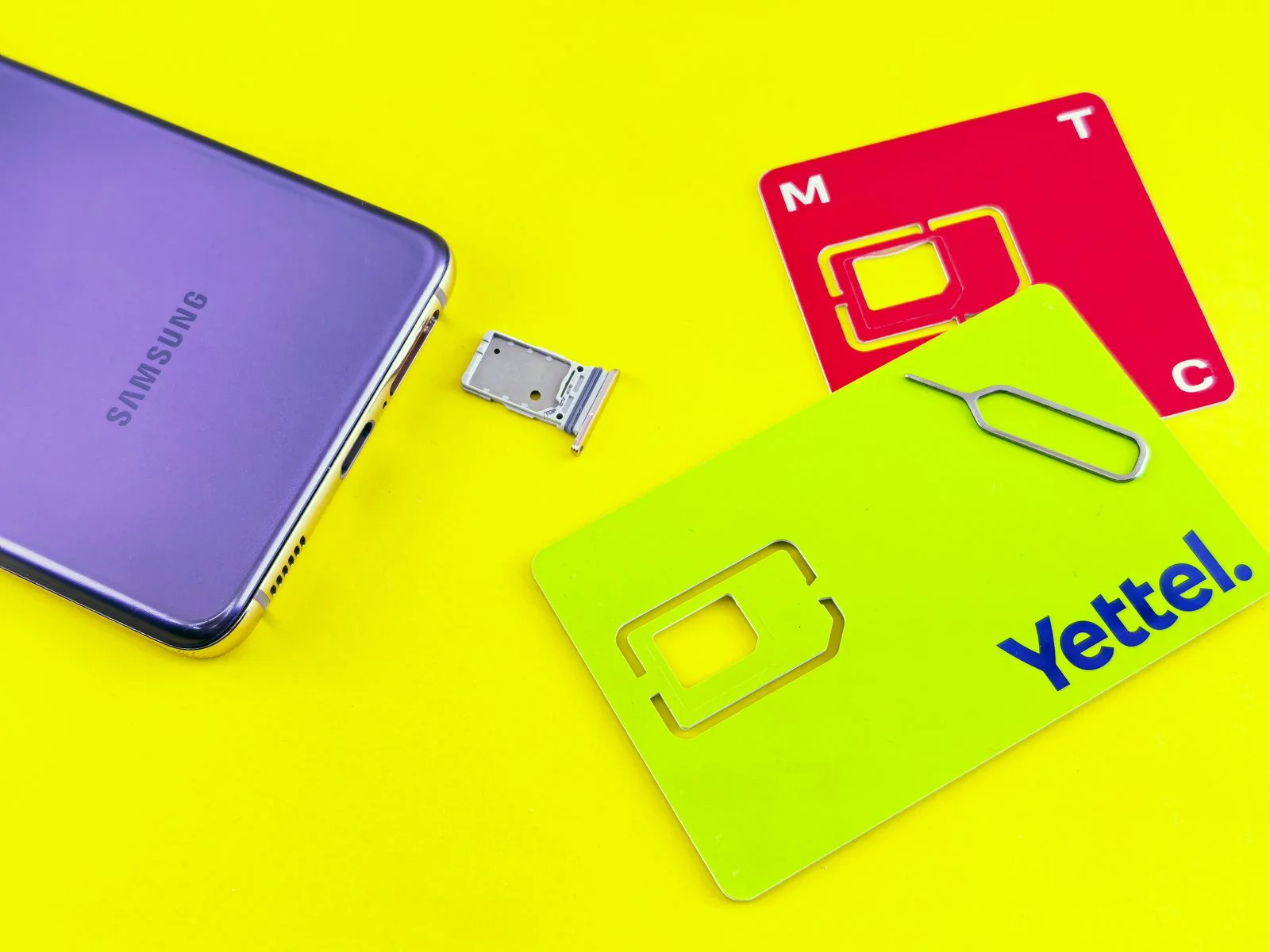
Sebaraya Tech – An eSIM is a SIM that lives inside your phone as a chip, so you activate a mobile plan by scanning a code or tapping a link instead of inserting a plastic card. Your number, calls, and data work the same way once it is active.
The catch is that your phone and your carrier both need to support it. This guide covers how eSIM works, how to check your phone, and the exact menus on iPhone, Google Pixel, and Samsung Galaxy.
How eSIM Works
A physical SIM card stores the details that tell a mobile network who you are. An eSIM stores the same kind of profile, but on a chip soldered into the phone.
Your carrier sends that profile over the internet. You install it with a QR code, an activation code, a link, or the carrier’s own app.
Think of it like downloading a ticket to your phone instead of carrying a paper one. The ticket is the same; only the delivery changes.
eSIM vs Physical SIM
The biggest difference is convenience. You can add a plan without visiting a store or waiting for a card in the mail.
| eSIM | Physical SIM | |
|---|---|---|
| How you get it | QR code, link, app, or carrier assignment | Plastic card from the carrier |
| Switching phones | Transfer or re-download the profile | Move the card to the new tray |
| Number of plans stored | Several (iPhone: eight or more) | One per tray slot |
Apple says an iPhone can manage up to eight or more eSIMs, so a travel plan can sit next to your main number.
The trade-off is that moving to a new phone takes a few more steps. With a card, you just swap trays.
Check If Your Phone Supports eSIM
On iPhone, eSIM needs an iPhone XS, XS Max, XR, or a newer model, plus a carrier that offers eSIM. In China mainland, only a handful of recent iPhone models support it.
On Samsung Galaxy, only some models include eSIM. A quick check is the EID, the unique ID of the eSIM chip, listed under Settings > About phone > Status. If an EID appears, the hardware is there.
On Google Pixel, look for the eSIM option in the SIM menu described below.
Even with supported hardware, your carrier has to offer eSIM on your plan. Ask them before you start, and have your phone’s IMEI ready, since some carriers need it.
How to Add an eSIM
Connect to Wi-Fi or mobile data first, because the profile downloads from the internet.
iPhone
- Open Settings and tap Cellular (Mobile Data in some regions).
- Tap Set Up Cellular or Add eSIM.
- Choose Use QR Code and scan the code from your carrier, or follow the prompt if your carrier already assigned a plan.
Carriers can also send a link, which works on iOS 17.4 or later, or ask you to use their app.
Google Pixel
- Open Settings.
- Go to Network & internet > SIMs > Add SIM > Set up an eSIM.
- Follow the on-screen steps from your carrier.
Samsung Galaxy
- Go to Settings > Connections > SIM card manager.
- Tap Add mobile plan.
- Scan the QR code, type the activation code, or install the plan your carrier pre-assigned.
Menu names can shift slightly between software versions. If you can’t find the exact label, search “eSIM” in the Settings search bar.
Moving an eSIM to a New Phone
Between two iPhones, eSIM Quick Transfer moves your number without calling the carrier. Both phones need iOS 18.4 or later, the same Apple Account, and Bluetooth turned on.
With iOS 26 or later, you can move more than one number this way. The old phone’s SIM stops working once the new one activates.
Switching between Android and iPhone is different. Apple says some carriers and manufacturers support it on iOS 26 or later; otherwise, your carrier issues a new eSIM.
Before You Switch
Don’t delete an eSIM from your old phone until the new one works. If you remove a profile, you may need a fresh QR code from your carrier.
Removing a plan from your phone also doesn’t cancel your contract, so contact the carrier if you want to end it.
If activation keeps failing, restart the phone, confirm you’re online, and ask the carrier to reissue the profile.
Before your next trip or phone upgrade, check whether your carrier offers eSIM. It’s the step that decides everything else.
Komentar Ditutup! Anda tidak dapat mengirimkan komentar pada artikel ini.